The Ultimate Computer Technician Toolkit: Hardware, Software, & Best Practices
Technicians working on computers need a comprehensive toolkit focused on precision, diagnostics, and data handling. Whether you are cracking open a laptop chassis or diagnosing a phantom blue screen, being prepared is half the battle. Below is the definitive checklist of hardware, software, and daily habits every tech needs in their arsenal.
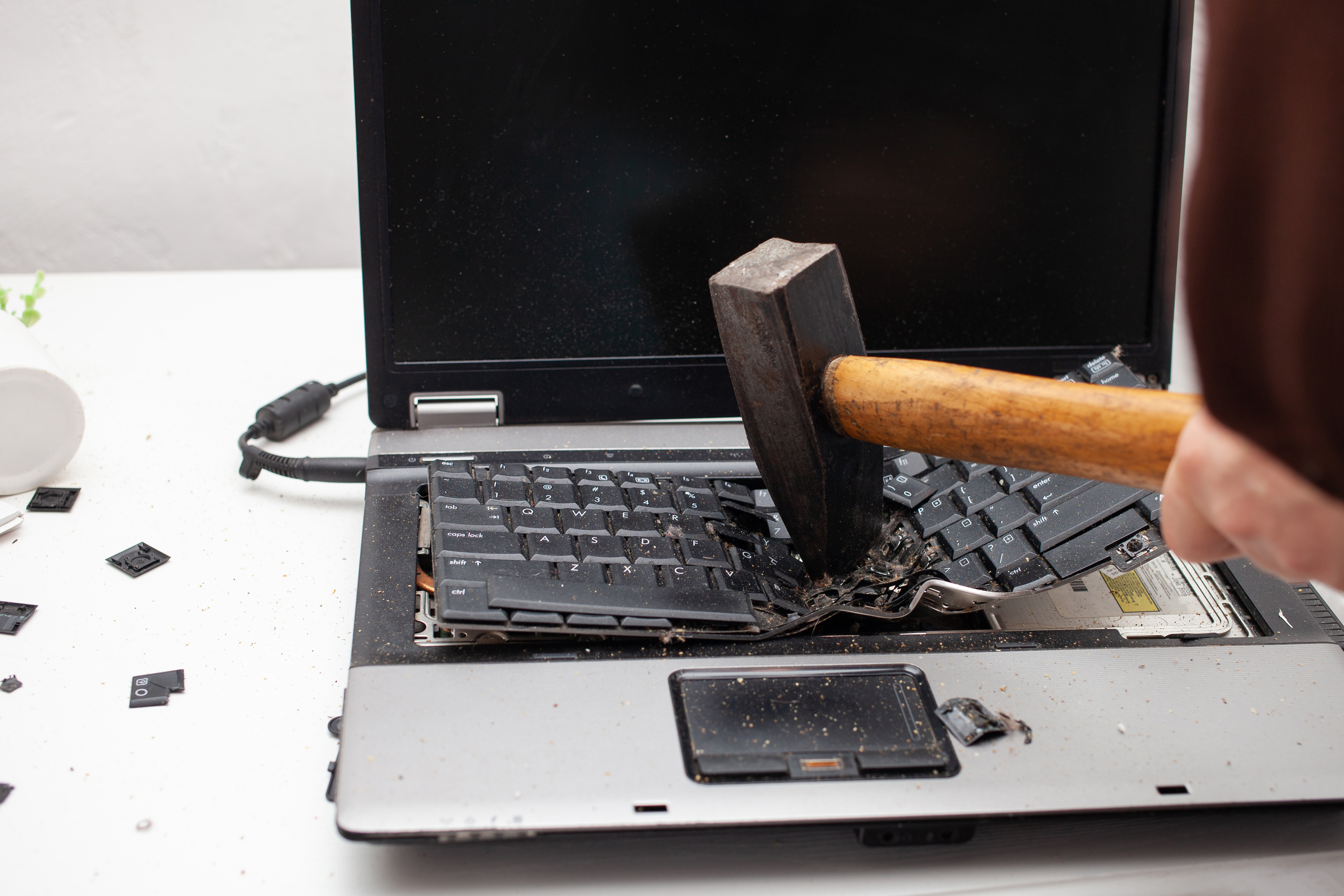
Try to avoid this level of "percussive maintenance". Proper tools make the job easier.
🛠️ Essential Hardware & Tools
Opening modern devices requires finesse, not force. Having the right physical tools prevents stripped screws and shattered digitizers.
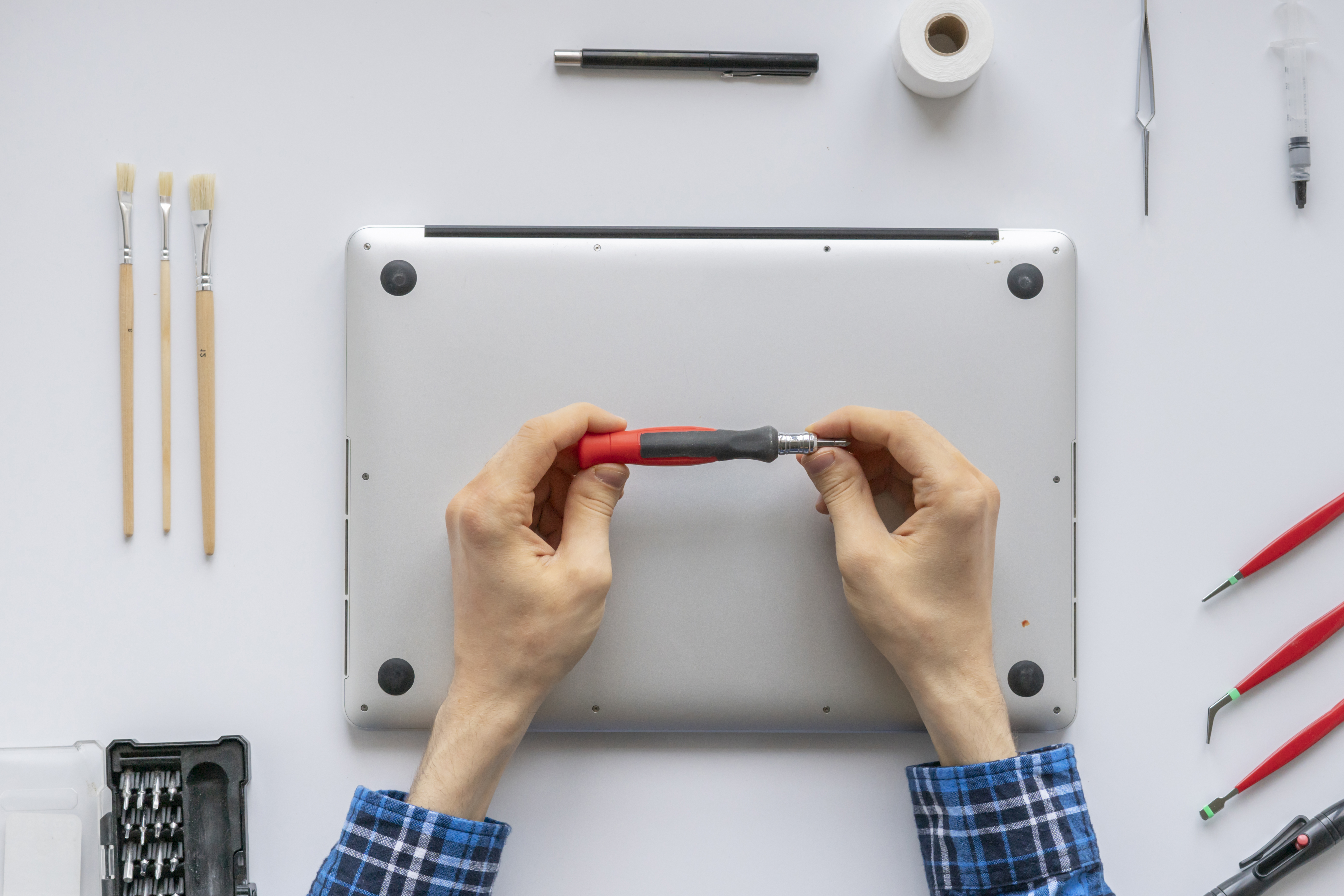
A clean workspace and precision tools are essential for modern hardware.
Your physical toolkit should start with a precision screwdriver set, such as the iFixit Pro Tech Toolkit, which includes essential bits like Torx, Phillips, Pentalobe, and flathead. To safely open laptop cases and bezels without scratching the chassis or damaging internal clips, you will need a steady supply of plastic spudgers, guitar picks, or old credit cards. Tweezers and parts grabbers are also critical for retrieving tiny, dropped screws from deep inside a desktop chassis or routing delicate ribbon cables. To ensure you can always see what you are working on, keep a headlamp or an LED penlight handy to illuminate dark cases and under-desk workspaces. Finally, never work without anti-static protection, using an ESD wrist strap or anti-static mat to prevent accidental shorts and component damage.
💾 Data & Connectivity
When a system goes down, saving the user's data and getting them back online is the top priority.

When diagnostics take a turn for the worse, having your bootable recovery drives is a lifesaver.
Every technician needs a dedicated USB drive toolkit containing an assortment of bootable flash drives loaded with diagnostic tools like Hiren’s BootCD PE, Windows 10/11 installers, and live Linux distributions. For physical data recovery, a reliable hard drive adapter or toaster dock for USB-to-SATA, M.2, and NVMe connections is necessary for cloning drives, rescuing data from failing machines, or running external virus scans. You should also be prepared for network issues by carrying an Ethernet cable tester, a crimper, a punch-down tool, and a stash of pre-made Cat6 patch cables.
🧼 Cleaning & Maintenance
Heat is the enemy of performance, making proper cleaning vital to extend the life of any machine. Keep 90%+ Isopropyl alcohol on hand, as it is ideal for safely removing old thermal paste without leaving residue. Whenever you re-seat a CPU or GPU, you will need to apply high-quality, non-conductive thermal compound. For general dust removal, canned air or an electric datavac paired with lint-free microfiber cloths will safely clean out heatsinks and fans. Don't forget wire management; carrying velcro or zip ties ensures proper airflow and a clean aesthetic inside the case.
🔬 Optional but Recommended Hardware
To be ready for more complex problems, carrying a multimeter is crucial for checking Power Supply Unit voltages, testing battery outputs, or tracing electrical shorts. A hot air rework station and soldering iron will allow you to perform component-level board repairs, replace DC jacks, or fix broken traces. It is also wise to keep an external, known-good wired keyboard and mouse available for testing systems when a client’s Bluetooth or USB peripherals have completely failed.
💻 Essential Software & Drivers
A physical toolkit can only get you so far. Your digital toolkit is where the real troubleshooting happens. For system diagnostics, you will want MemTest86 for rigorous RAM stress-testing, CrystalDiskInfo or CrystalDiskMark to check storage drive health and read/write speeds, and HWMonitor or Speccy to monitor live system temperatures, voltages, and hardware specifications.
When dealing with infections, always have portable versions of Malwarebytes, AdwCleaner, and RKill ready to terminate malicious processes and scrub infected systems. For managing drivers offline, Snappy Driver Installer Origin is a great portable tool for installing missing software, while Display Driver Uninstaller is essential for completely scrubbing old, corrupted GPU drivers before attempting a fresh install.
⚙️ Scripts & Automation
Time is money. Automating your workflow reduces turnaround time and eliminates human error. Keep automated tools on a secure, encrypted flash drive.

Monitoring system resources and deploying automated scripts saves valuable time.
Start with package managers utilizing scripts like Winget or Ninite to silently and automatically install a standard suite of applications on fresh OS deployments. You should also utilize PowerShell debloat scripts designed to quickly strip out OEM bloatware and unnecessary Windows telemetry from out-of-the-box PCs. Finally, keep a simple network reset batch file containing commands to flush the DNS, reset winsock, and reset the IP configuration to instantly clear up common local network gremlins.
🗣️ Client Communication: The AIDET Framework
A technician's bedside manner is just as important as their diagnostic skills. When dealing with frustrated end-users, following the Osmosis AIDET framework ensures a professional, calming, and transparent interaction:
Acknowledge: Greet the patient/user by name, make eye contact, and acknowledge any family members or colleagues present.
Introduce: State your name, role, and skills/credentials so they know they are in capable hands.
Duration: Inform the user exactly how long a procedure, wait, or treatment (repair) will take.
Explanation: Explain "the why" behind the care or technical work, what will happen next, and address any of their questions.
Thank You: Always thank the user and their team for their cooperation and patience during the downtime.
📝 The Golden Rule: Update Your Tickets!
All the tools in the world won't save you from a disgruntled client or a confused team member if your documentation is poor.

Don't leave your team or clients in the dark. Good documentation prevents IT headaches.
The golden rule of IT is to log everything. If it isn't in the ticket, it simply didn't happen. Always note the details, including specific error codes, the exact steps taken to reproduce the issue, any hardware that was replaced, and the final resolution. Furthermore, update your time tracking accurately; it helps with billing and justifies the IT department's allocated resources. Close your loops, document your fixes, and keep your toolkits updated.
Shop Now
iFixit Pro Tech Toolkit: Includes precision bits like Torx, Phillips, Pentalobe, and flathead.LED Penlight: illuminating dark chassis and under-desk workspaces.
Head lamp: go hands free.
Flashlight: regular flashlight.
Plastic Spudgers / Guitar Picks: For prying open laptop cases and bezels without scratching.
Tweezers and Parts Grabbers: For retrieving dropped screws and routing delicate ribbon cables.
ESD Wrist Strap / Anti-static Mat: Essential for preventing accidental shorts and component damage.
90%+ Isopropyl Alcohol: Ideal for removing old thermal paste without leaving residue.
High-quality Thermal Compound: Non-conductive compound for re-seating CPUs and GPUs.
Canned Air or Electric Datavac: For safely cleaning out heatsinks and fans.
Microfiber Cloths: Lint-free cloths for general cleaning and maintenance.
Velcro or Zip Ties: For proper wire management and airflow.
Data & Connectivity
Bootable USB Flash Drives: Loaded with diagnostic tools (Hiren’s BootCD PE, Windows installers, Linux).Hard Drive Adapter / Toaster Dock: USB-to-SATA, M.2, and NVMe connections for data recovery and cloning.
Network Toolkit: Includes an Ethernet cable tester, crimper, and punch-down tool.
Cat6 Patch Cables: Spare cables for testing and establishing network connections.
Optional / Advanced Hardware
Multimeter: For checking PSU voltages, battery outputs, or tracing electrical shorts.Hot Air Rework Station & Soldering Iron: For component-level board repairs and fixing DC jacks.
External Wired Keyboard & Mouse: Reliable peripherals for testing systems when Bluetooth fails.
Essential Software & Automation
System Diagnostics: MemTest86 (PassMark Software), CrystalDiskInfo (Crystal Dew World), CrystalDiskMark (Crystal Dew World), HWMonitor (CPUID), Speccy (Piriform / Gen Digital).Infection Removal: Malwarebytes Portable (Malwarebytes Inc.), AdwCleaner (Malwarebytes Inc.), RKill (BleepingComputer).
Driver Management: Snappy Driver Installer Origin (Open Source Project), Display Driver Uninstaller (DDU) (Wagnardsoft).
Automation Tools: Winget (Microsoft), Ninite (Secure By Design Inc.), PowerShell (Microsoft) debloat scripts.